How it works
A thin client in your app, the heavy AI in the cloud, and a web panel that ties it together.
IAMX splits an interactive AI character into three cooperating parts. You design the character in a web panel, the cloud runs all the intelligence — understanding speech, thinking, speaking, and driving the face and body — and a thin client inside your Unreal project or web page renders the result. Nothing heavy ships inside your build. The character can get smarter, faster, and more expressive over time without you touching a single line of your project.
This page explains the moving parts, how they talk to each other, and the two runtime modes you can choose from. If you just want to get a character talking, jump to the Quickstart; if you need to install the plugin, see Install.
The three parts
Every IAMX character lives across the same three layers. Keeping them separate is what lets your app stay tiny while the character stays cutting-edge.
1. The panel
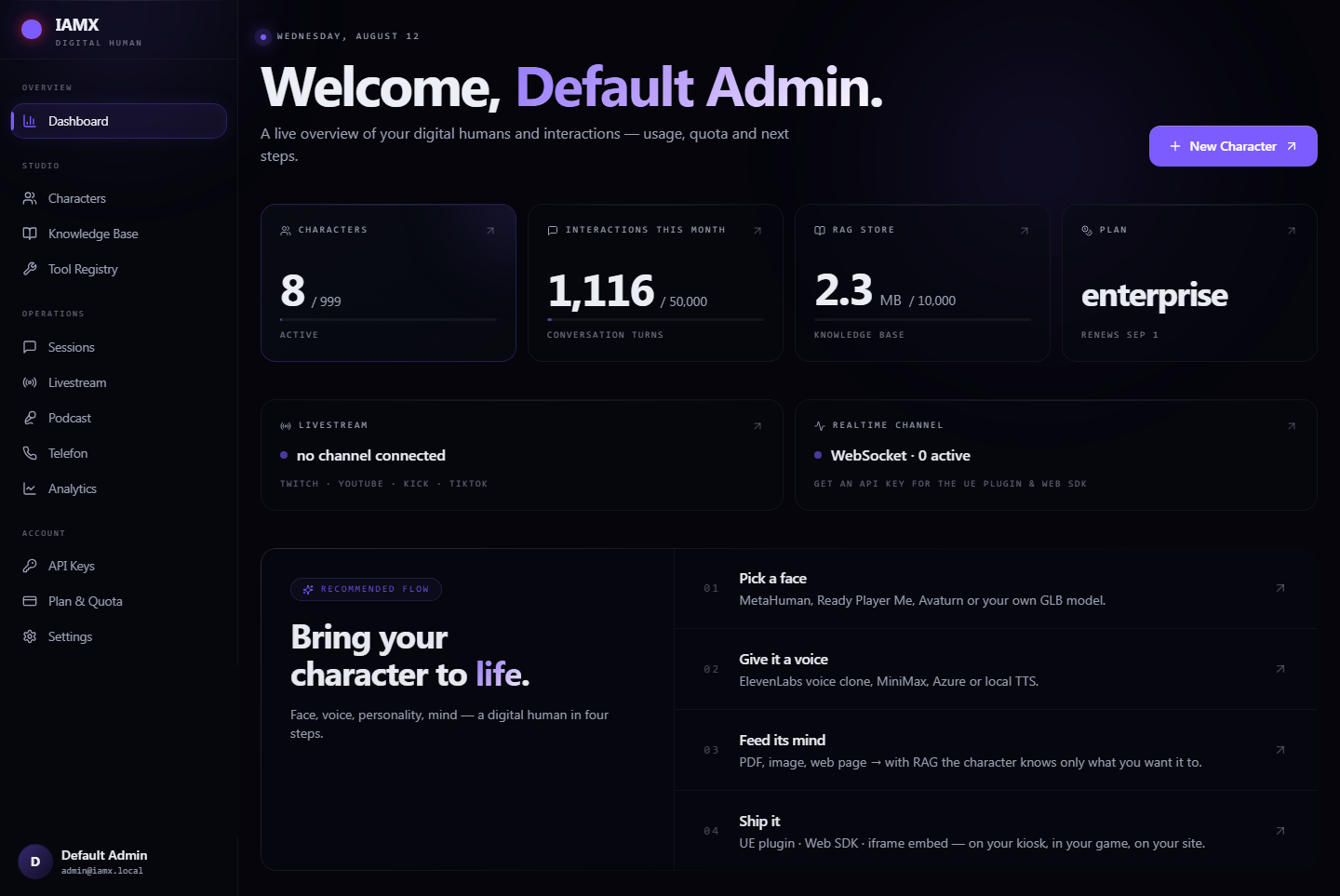
Your control plane at iamx.live. Create characters, write their persona and knowledge, pick a voice, wire up actions and tools, tune behavior, and read conversation reports. Everything configurable lives here — the client only ever applies what the panel decides.
2. The cloud
The IAMX cloud is where the character actually thinks. It listens to incoming audio and text, understands intent, reasons with your chosen model, generates a spoken reply, and produces the matching facial performance, emotion and gestures — all streamed out in real time.
3. The client
A lightweight Unreal component (or web embed) that lives in your product. It captures the microphone, opens a connection to the cloud, and plays back the performance on your character — MetaHuman or a custom avatar. It renders; it does not compute.
What the panel owns
The panel is the single source of truth for a character's identity and capabilities:
- Persona & instructions — who the character is, tone, language, guardrails.
- Voice — the voice the character speaks with, including custom and cloned voices.
- Knowledge — documents and facts the character can draw on when answering.
- Actions & tools — the things the character is allowed to do (call an API, trigger an animation, hand off to a workflow).
- Behavior tuning — greeting logic, interaction mode, memory, and per-feature settings.
- Reports — transcripts, summaries and usage per person and per character.
What the cloud owns
The cloud carries all the real-time intelligence so your device doesn't have to. In one continuous loop it recognizes what was said, decides on a response, produces natural speech, and drives a frame-by-frame facial and body performance to match — including emotion and gesture cues. Because this runs server-side, it improves continuously and transparently.
What the client owns
The client stays deliberately dumb and fast. It handles microphone capture, the live connection, and playback of the streamed performance onto your mesh. On a MetaHuman it drives the facial rig directly; on a custom avatar it maps to your own blend shapes. See Blueprint API for the events and nodes it exposes.
The connection
Each character you create in the panel is issued a unique connection ID. That ID is the entire link between your app and the character's brain in the cloud. You paste it into the client — the Unreal component's Connection ID field, or the data-iamx-id attribute on a web embed — and the client connects to the IAMX cloud using it.
Once connected, a live two-way stream opens. Microphone audio and text go up; the character's spoken reply, facial performance, emotion and gestures come down in real time, frame by frame — playback can begin before the full reply is even finished.
  ┌─────────────┐         ┌──────────────────────┐         ┌──────────────┐
  │   PANEL     │         │     IAMX  CLOUD      │         │    CLIENT    │
  │  (design)   │         │   (the character's   │         │  (your app / │
  │             │         │       brain)         │         │   embed)     │
  └──────┬──────┘         └──────────┬───────────┘         └──────┬───────┘
         │                           │                            │
         │  persona · voice ·        │                            │
         │  knowledge · actions      │                            │
         ▼                           │                            │
   ┌───────────┐                     │                            │
   │ connection│─────── issued ──────┼───────────────────────────▶│  paste ID
   │    ID     │                     │                            │  into client
   └───────────┘                     │                            │
                                     │        connect (ID)        │
                                     │◀───────────────────────────│
                                     │                            │
                     mic audio / text│  ▲  ▲  ▲                   │  ── UP ──▶
                                     │  │  │  │                   │
                    voice + face +   │  ▼  ▼  ▼                   │  ◀─ DOWN ─
                    emotion + gesture│  (streamed frame by frame) │
                                     │                            ▼
                                                            renders on
MetaHuman / avatarA session, start to finish
- Design — you build the character in the panel and it receives a connection ID.
- Connect — the client opens a session to the cloud using that ID.
- Speak — the user talks (or types); mic audio and text stream up.
- Think — the cloud understands, reasons, and composes a reply, pulling on the character's persona, knowledge and tools.
- Perform — speech plus a synchronized facial and body performance streams back down.
- Render — the client plays it on your character in real time, then waits for the next turn.
Why a thin client
Putting the intelligence in the cloud and keeping the client thin is a deliberate design choice, and it pays off in three concrete ways.
Lean and cool
No large models are bundled into your project. Your build stays small, startup stays fast, and the device stays cool — the compute-heavy work never runs locally, so you can ship on modest hardware and kiosks.
Ships server-side
Every improvement — better understanding, faster speech, richer expression — lands in the cloud and reaches your character automatically. You never repackage, re-cook or redistribute your app to get the upgrade.
One client, any avatar
The same client drives a MetaHuman or a fully custom character with its own facial rig. Author once, retarget the performance to whatever mesh you ship — no separate integration per avatar.
The practical upshot: your team owns the experience and the art, while IAMX owns the hard, fast-moving AI plumbing. The boundary between them is exactly the connection ID.
Realtime vs standard
Characters run in one of two modes. Both stream the performance back frame by frame — the difference is how the voice pipeline is wired and the trade-off you make between raw latency and voice choice.
Realtime mode
Lowest-latency native voice. Speech understanding and speech generation are fused into a single continuous conversation, so the character can respond almost the instant the user stops talking. It feels like natural back-and-forth and handles interruptions gracefully. The voice selection is tied to the realtime pipeline, so you pick from its native voices.
Standard mode
Any voice, streamed replies. The reply is generated and then spoken, with speech streamed sentence by sentence so playback still starts quickly. This mode gives you the widest voice flexibility — including custom and cloned voices — at the cost of a little more latency than realtime.
| Realtime | Standard | |
|---|---|---|
| Latency | Lowest — near-instant, conversational | Low — streamed, starts on first sentence |
| Voice flexibility | Native realtime voices | Widest — any voice, incl. custom / cloned |
| Interruptions / barge-in | Handled natively | Supported |
| Best for | Live kiosks, fast dialog, demos | Brand voices, narration, wide language range |
| Set where | Character settings in the panel | |
Mode and model are both chosen in the panel, and you can change them any time. For how to pick the reasoning model behind your character — GPT, Claude, Gemini, or a local Ollama model — see Models.
No rebuilds
This is the whole point of the split architecture: iteration happens where it's cheap — the panel — and your shipped app simply reflects it. A designer can refine a character live while an engineer never opens the project.
Next steps
- Quickstart — create a character, grab its connection ID, and get it talking.
- Install — add the client to your Unreal project or web page.
- Models — choose the reasoning model and runtime mode.
- Blueprint API — the events, nodes and hooks the client exposes.
- See it live at iamx.live, get the plugin on GitHub (releases), or ask on the forum.